Delivery path 01
Use the builder
Best when the product starts with structured records, forms, permissions, and reporting screens.
Generate appCRUD App
Delivery path 01
Best when the product starts with structured records, forms, permissions, and reporting screens.
Generate appDelivery path 02
Best when the CRUD foundation needs custom workflows, integrations, migration, or long-term support.
Hire FlatlogicGenerate a full-stack CRUD app with records, forms, tables, filters, permissions, dashboards, deployment, and source-code ownership.
Builder preview
Start from the records you need to manage, then generate the screens, backend, database, and deployment path around them.
The CRUD app builder is loading...
Track Record
Built for teams that need structured data management without rebuilding the same admin screens, permissions, and deployment setup by hand.
Core Capabilities
The useful version of CRUD includes schema design, roles, search, filters, imports, reporting, and enough workflow logic to support daily operations.

Start from the records that matter: fields, relationships, validation rules, lists, detail pages, forms, and search.

Add authentication, roles, team-specific views, imports, exports, statuses, comments, and the admin controls users expect.

Use the generated CRUD app as the foundation for dashboards, APIs, automation, reporting, or a broader SaaS and internal-tool workflow.
Where It Fits
CRUD App is the focused path for data-heavy tools. If the same work is mainly an operator control surface, compare Admin Panel. If it includes tenants, billing, and customer lifecycle, compare Custom SaaS App.
Use the AI Software Development Agent when the app shape is still open. Use this page when you already know the core job is structured records and workflow screens.
Built for data-heavy apps that need to become real toolsKey Workflows
A CRUD app earns its place when users can find records, update them safely, control access, and turn the data into decisions.
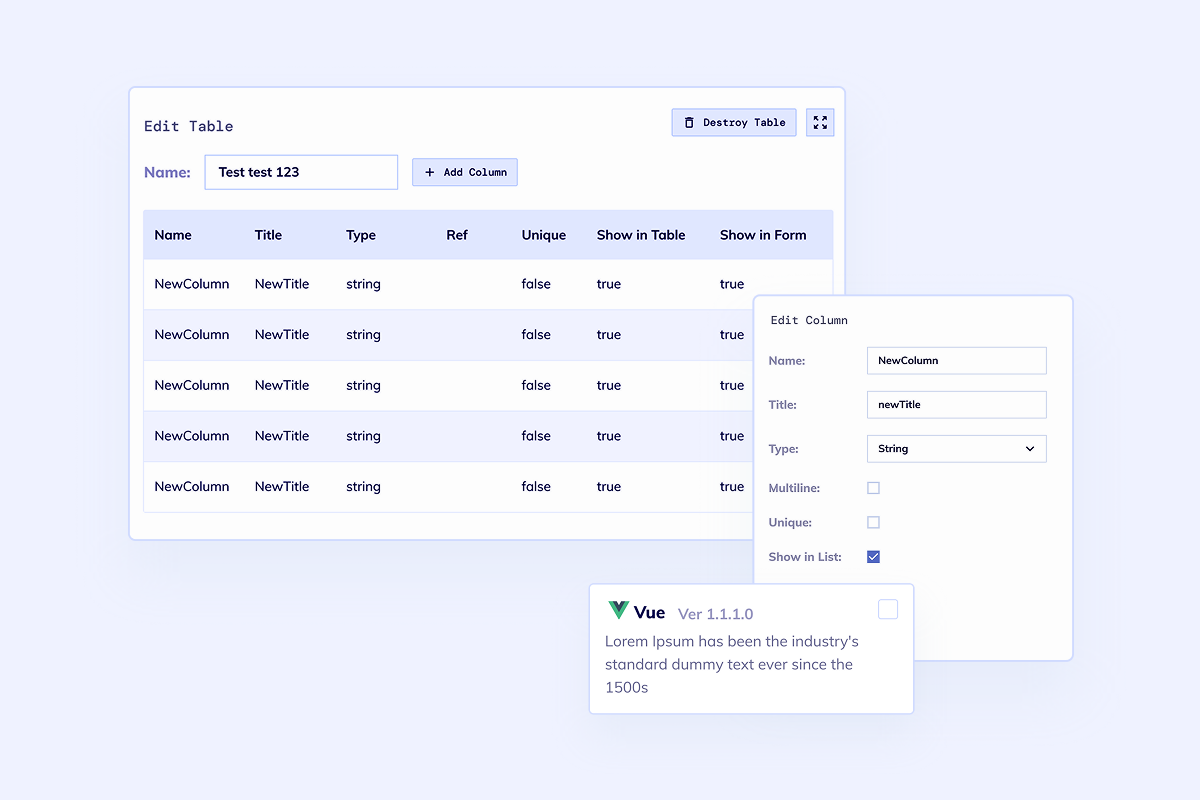
A CRUD app gets useful when the schema reflects the real business records instead of generic sample tables.
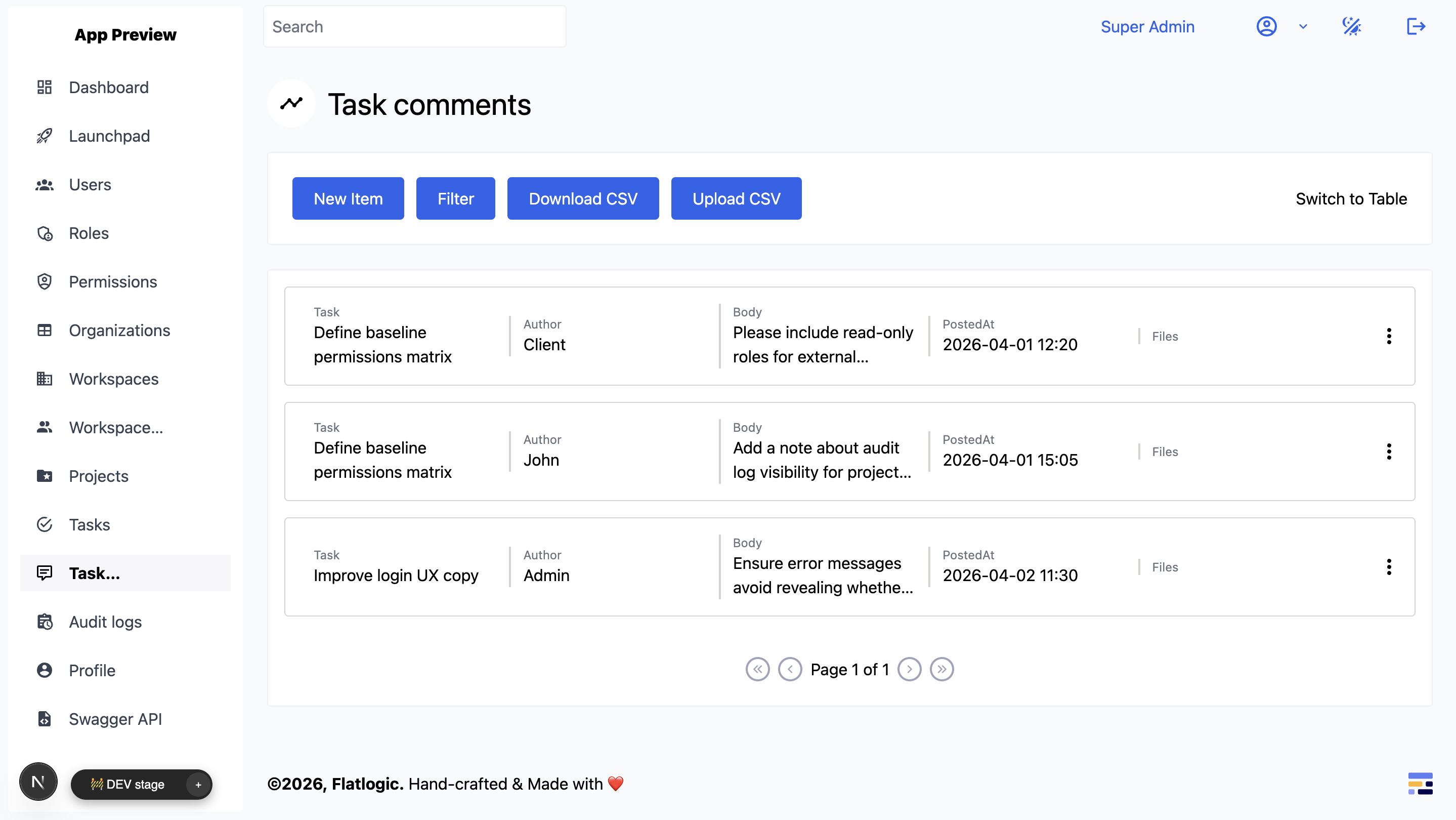
Teams usually need more than create, read, update, and delete. They need ownership, statuses, comments, and permissions.
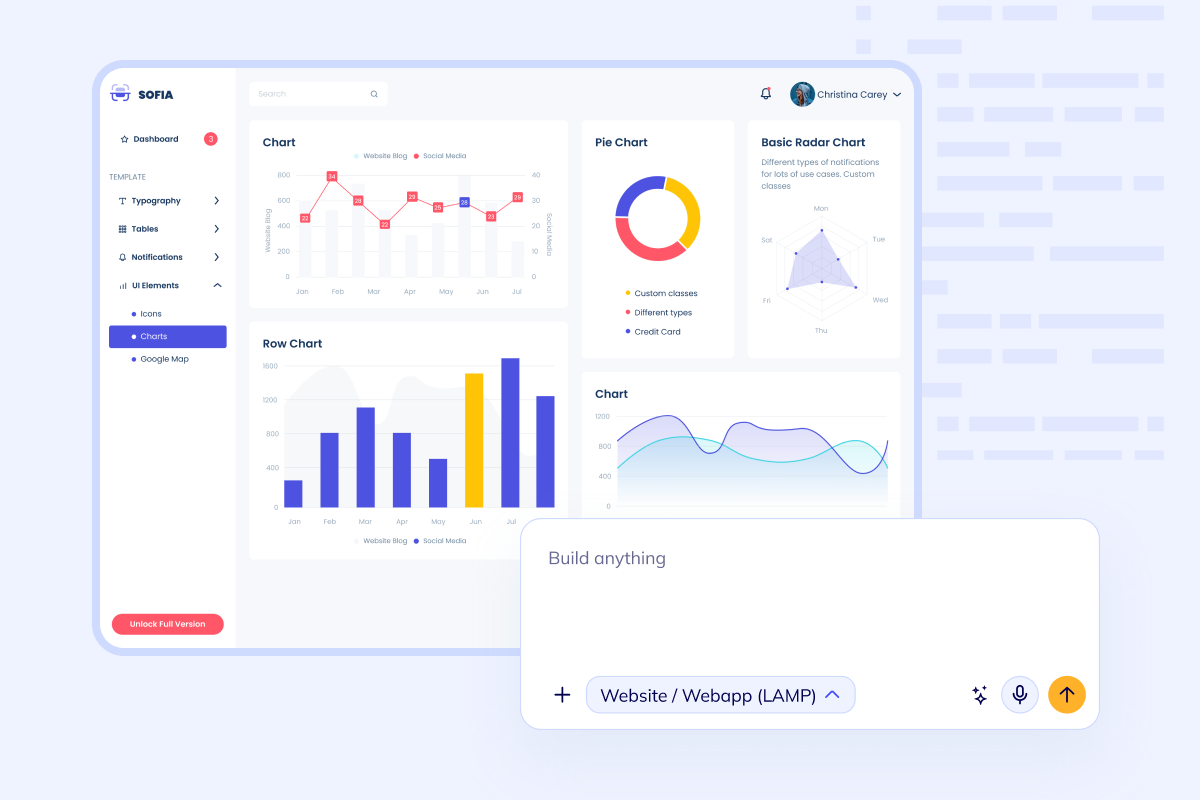
Once records are trustworthy, dashboards, exports, notifications, and APIs turn the CRUD app into a real internal tool.
Build Path
Start by defining records and permissions, generate the full-stack foundation, add workflow logic, then deploy and extend the codebase.
List the entities, fields, relationships, permissions, and required views before generating the app.
Create frontend, backend, database, authentication, forms, tables, filters, and deployment setup from the schema.
Layer in statuses, notifications, comments, audit trails, imports, exports, and role-specific dashboards.
Launch the app, connect GitHub, and keep evolving it into an internal tool, admin panel, SaaS module, or larger business system.
Questions
Next Step
Start with the builder if you know the records and permissions you need. Bring Flatlogic engineers in when the CRUD foundation needs product workflows, integrations, migrations, or long-term maintenance.